

Get Help With Your PaymentWorks Profile
So your payment goes exactly where it should.
New to PaymentWorks?
PaymentWorks helps finance and procurement teams verify vendor identity before payments happen, so every payment goes where it is supposed to go.
See How Vendor Onboarding Works
Explore our Payee Onboarding Demo to understand what onboarding looks like from your side. Learn how to register, update info, and get paid—fast.
It’s simple, secure, and just a click away.
What Happens Next
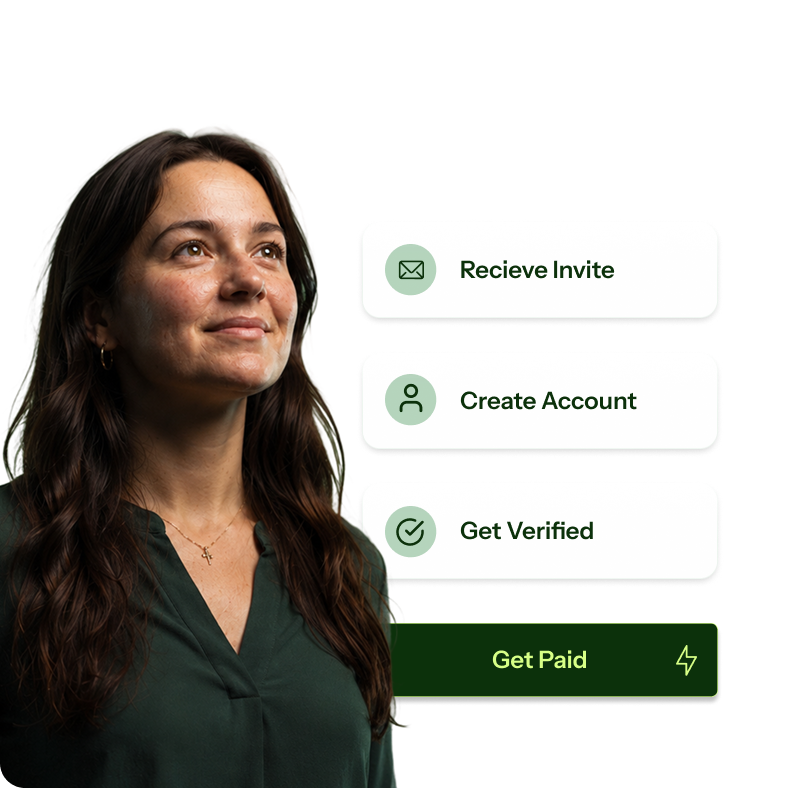
Completing your registration is a necessary step to receiving payment from your customer. Once approved, you’ll get an email letting you know you’ve been onboarded, assigned a vendor ID, and are all set to get paid.
Watch our Payee Onboarding Demo
Your Vendor Journey Starts Right Here
We know paperwork and portals aren’t the most fun part of getting paid. That’s why we’ve made it easy to understand your journey from invitation to payment. Whether you’re a vendor, supplier, contractor, payee, or individual, here’s what you can expect:
Vendor Support Resources
Knowledge Articles
- How to Update or Share Remittance and Corporate Addresses
- What Is A Vendor Number, And How Do I Find It?
- How to Update Your Payment Method in PaymentWorks
- Editing Bank Account and Remittance Information
- Updating Payee Profile Information
- Viewing, Tracking, and Inquiring About Invoices in PaymentWorks
Common Support Issues
- Activation Email: What It Is and What to Do If You Don’t Receive It
- I’m Unable to Log In to My PaymentWorks Account
- I’m Not Receiving My Password Reset Email
Need Technical Help
Open a Ticket
If you aren’t getting your activation email in order to complete your registration, please follow these directions.